Help
Crated is a home for your records. Most of it explains itself, but a few things are easy to miss. Here they are.
Adding records
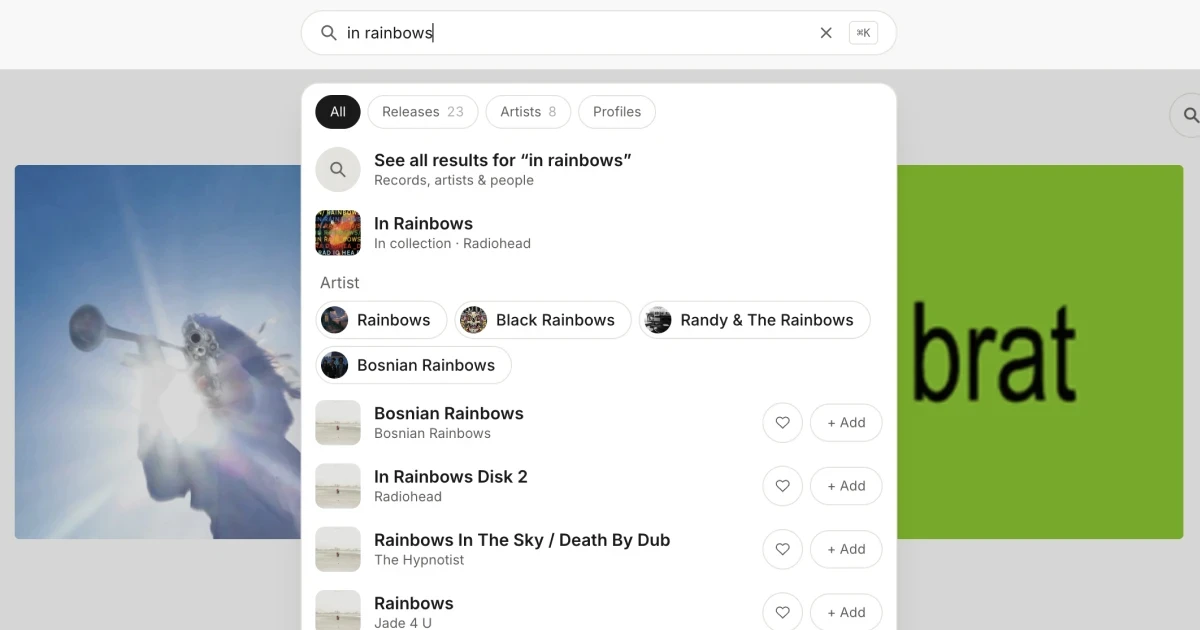
Search for an album or an artist from the search bar at the top, or press ⌘K (Ctrl+K on Windows) from anywhere. On your phone, tap the search icon in the header. Each result lets you add the record to your collection (records you own) or your wants (records you’re after).
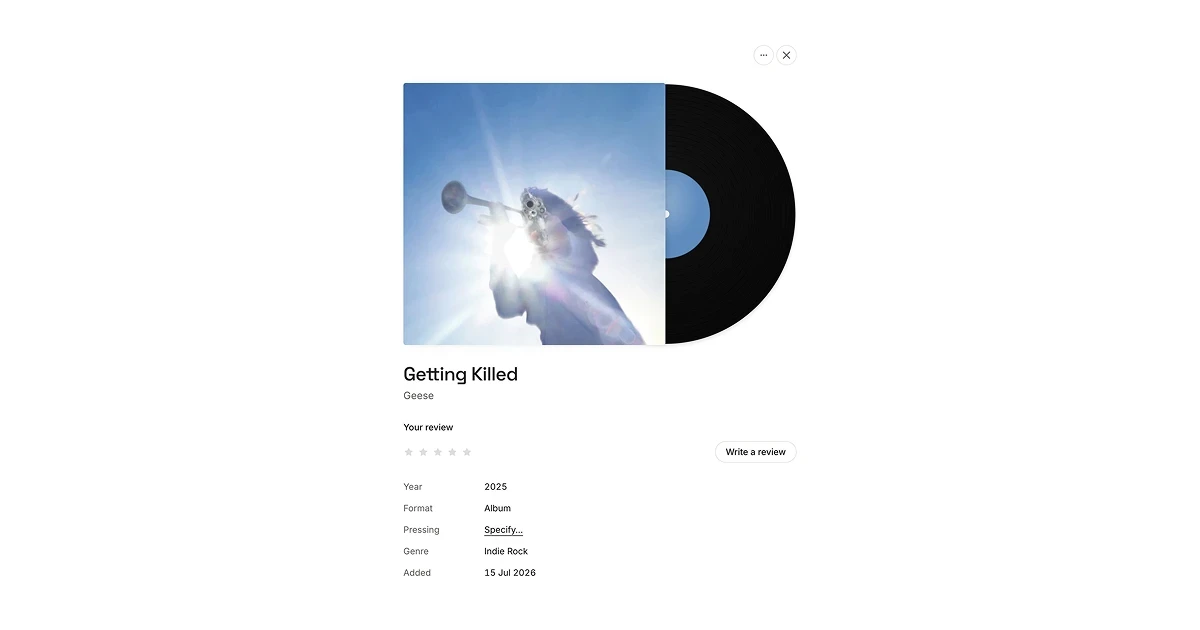
Tap any record in your collection to open it: tracklist, streaming links, your notes, your review and your pressing all live there.
Your wants
Wants come in two tiers:
- Hunting: the ones you’re actively chasing.
- Want: everything else you’d like one day.
Open a record’s menu on your Wants page to move it between tiers, hide it from your public want list, or choose Add to collection once you’ve found it. At the bottom of the page, “You might want” suggests more from the artists already in your crate.
Notes and reviews
These are two different things, on purpose.
- Notes are your diary, and always private. Where you found it, what you paid, when you got it, the story behind it. They save as you go, and nobody else ever sees them.
- A review is what you think of the music. A rating, a headline and an optional few lines. Ratings save the moment you tap a star. A review only saves when you press Save review, and it starts out Private. Switch it to Public and it appears on your profile and in your followers’ feeds. Switch it back and it’s gone again.
Your exact pressing
A record in Crated starts as the album. If you care which copy you own, open the record and tap Specify… next to “Pressing”. You can filter by country, year, format and label to find yours.
Pinning a pressing also changes the sleeve to that pressing’s artwork where we can find it, because an original and a reissue often look nothing alike. Clear the pressing and the album’s own cover comes back.
Importing from Discogs
Already catalogued everything on Discogs? Bring it with you:
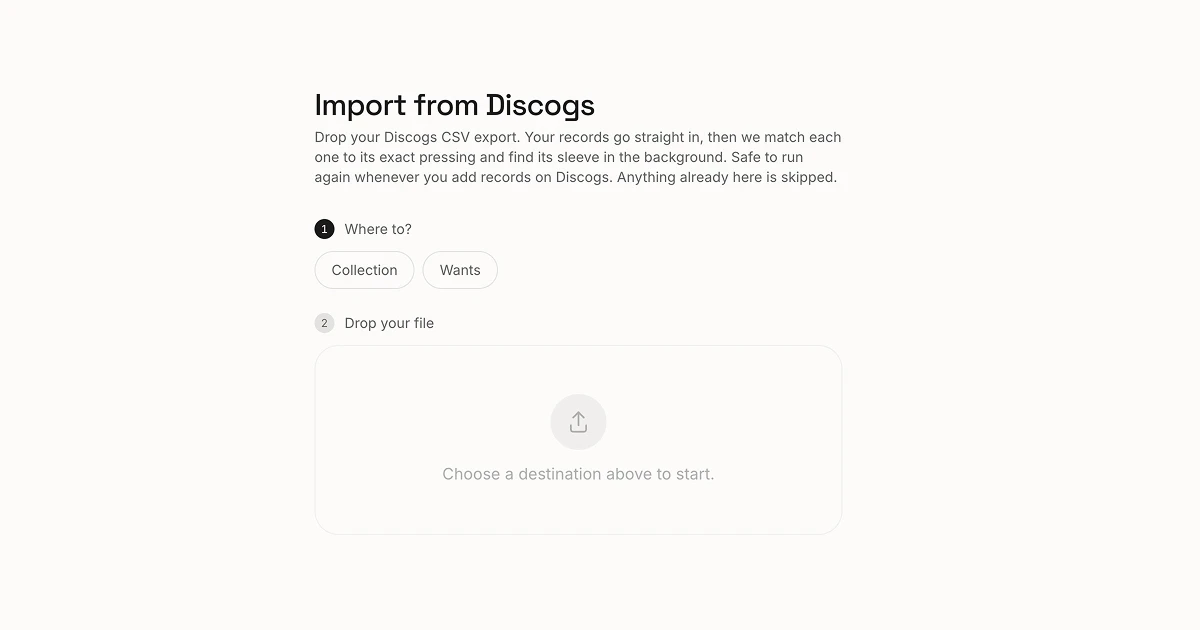
- Go to discogs.com/users/export and run a Collection export (or a Wantlist export for your wants).
- Download the CSV file when it’s ready.
- In Crated, open your account menu, choose Import and drop the file in.
Your records appear straight away. We then match each one and find its artwork in the background, a little at a time, so a big collection can take a while to finish. You can close the tab; we’ll let you know when it’s done. Records you already have are skipped, and for your collection the exact pressing you logged on Discogs comes across too.
Your profile
Your profile lives at cratedvinyl.com/u/your-handle. It starts out private. When you’re ready to share it, go to Settings and turn off Private profile. From there you can also choose whether your wants and lists show as tabs.
- Hide a record you’d rather keep to yourself: open it and choose Hide from public profile. You still see it; visitors don’t.
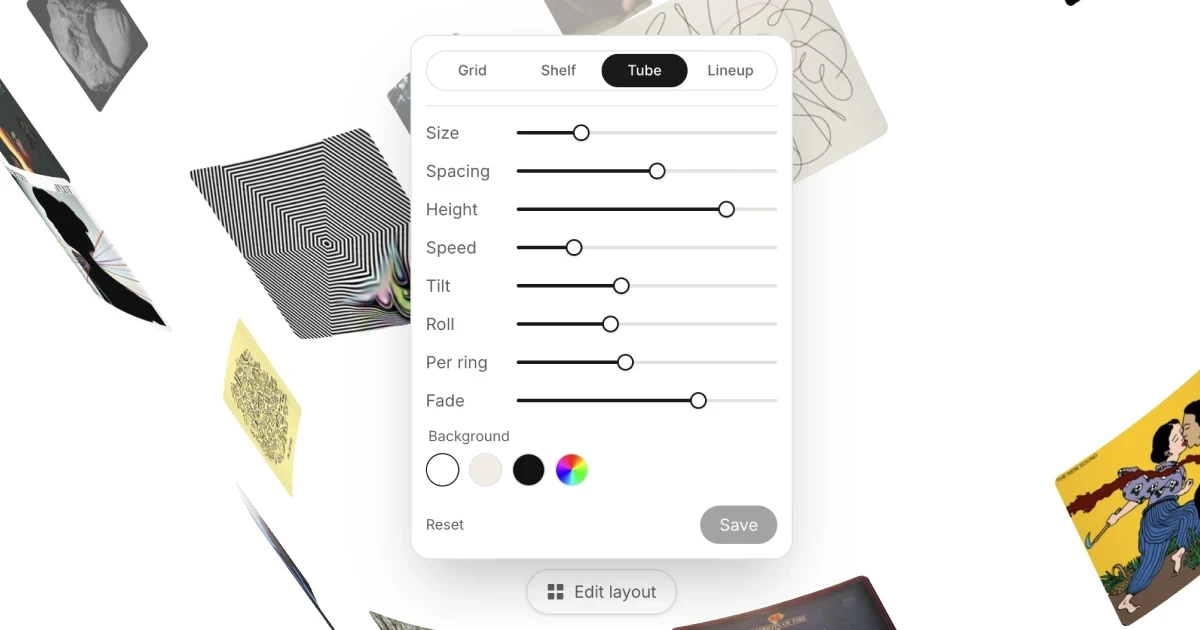
- Make it yours: on your own profile, tap Edit layout to choose between grid, shelf, tube and lineup, and adjust size, spacing and motion. Visitors see it exactly as you set it.
Lists
Lists are records picked for a reason: best of the year, rainy Sundays, the ones that got you into jazz. They don’t have to be records you own. A list stays a draft until you tap Publish, then it gets its own link you can share.
Anyone looking at a published list can add all of it to their wants in one tap. They don’t even need an account yet; they’ll sign up and find the records waiting.
Friends, reactions and replies
Follow people from their profile, or find them under Settings or in search. Explore shows what the people you follow have added and reviewed, plus new and upcoming releases from artists in your collection.
- Reactions are all positive: 🔥 banger, 🎧 got it, 👀 want it.
- Replies are short, up to 280 characters. Type
@to tag a friend or a record. You can delete any reply on your own post, and report one that’s out of order. - The bell in the header shows reactions, replies and tags on your posts.
Who can see what
| What | Who can see it |
|---|---|
| Your collection | Anyone, once your profile is public |
| A record you've hidden | Only you |
| Your wants | Anyone, if your profile is public and “Show wants” is on |
| Published lists | Anyone, if your profile is public and “Show lists” is on |
| Draft lists | Only you |
| Ratings and public reviews | Anyone who can see your profile, and people who follow you |
| Private reviews | Only you |
| Notes, price paid, where and when you got it | Only you. Always. |
| Your email address | Only you |
There are no public follower counts. The full detail is in our Privacy Policy.
Something wrong?
- Found a bug? Open your account menu and choose Report a bug. It tells us which page you were on, so a sentence is plenty.
- Wrong artwork? Open the record’s menu and choose Reload artwork, or pin your pressing. Still wrong? Tell us through Report a bug.
- Leaving? You can delete your account at the bottom of Settings. It removes everything, for good.
- Anything else: joe@ohmy.studio.